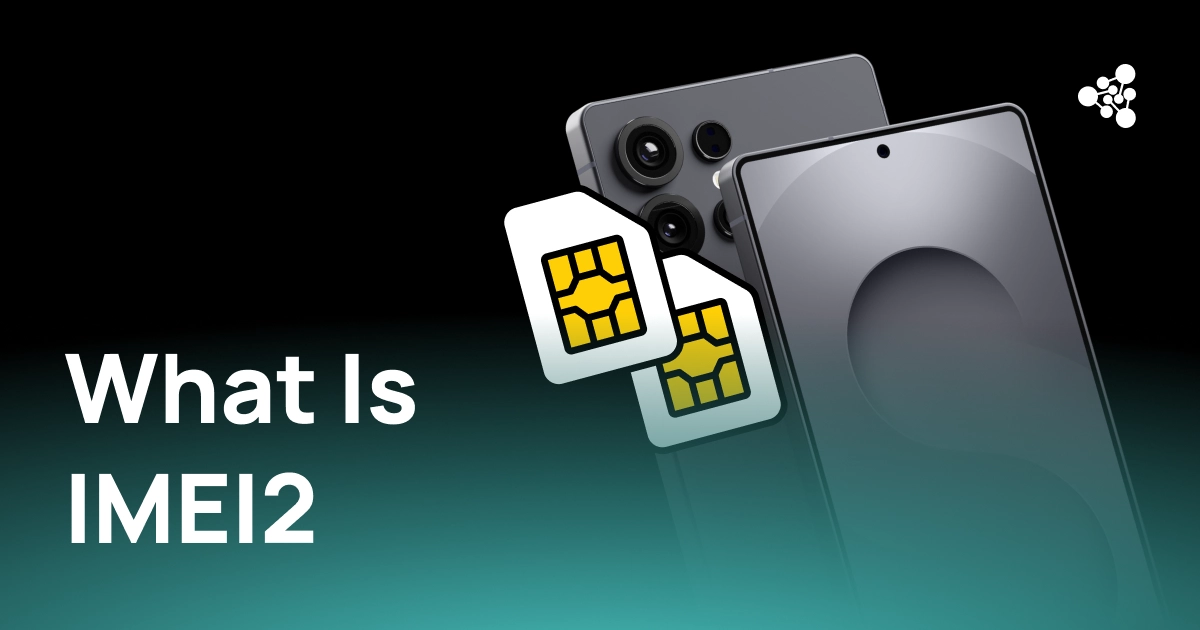
A phone with two IMEI numbers is not two devices in disguise — it's one physical phone with a second network identifier tied to a multi-SIM configuration. For businesses processing used phones, mixing up IMEI1 and IMEI2 during intake can leave gaps in status checks and inventory records.
Key Takeaways
- IMEI2 is a second network identifier some multi-SIM devices assign alongside IMEI1 — both belong to the same physical device.
- Not every dual-SIM phone has two IMEIs; it depends on the device's architecture (GSMA's TS.37 covers both cases).
- On an iPhone, whether IMEI2 maps to a physical SIM or an eSIM varies by model and market — don't assume.
- Under GSMA's multi-SIM rules, blocking one IMEI is meant to block the whole device, not just that connection.
- Both IMEIs should sit in one inventory record; checking only one can leave part of the device's status unverified.
What Is IMEI2?
An IMEI (International Mobile Equipment Identity) is a 15-digit number used to identify cellular hardware on a network. When a device supports more than one active cellular connection — two physical SIMs, a SIM plus an eSIM, or two eSIMs — it may need a separate IMEI for each connection. That second identifier is IMEI2.
GSMA's TS.37 spec (currently at v12.0) explicitly allows for two kinds of multi-SIM devices: those where several SIMs share one IMEI, and those where each active SIM gets its own. So having two SIM slots doesn't automatically mean two IMEIs — the number of SIMs and the number of IMEIs aren't interchangeable, and that distinction is exactly where intake mistakes happen. Configurations that typically produce two IMEIs include physical SIM + physical SIM, physical SIM + eSIM, and eSIM + eSIM on supported devices. On Android, TelephonyManager's API reflects the same split, distinguishing a primary IMEI from one tied to a specific SIM slot.
IMEI vs. IMEI2
|
IMEI / IMEI1 |
IMEI2 |
|
|
Purpose |
First device identifier |
Second device identifier |
|
Physical device |
Same phone |
Same phone |
|
Typical role |
First cellular connection |
Second cellular connection |
|
Format |
15 digits |
15 digits (occasionally 16 as IMEISV) |
|
Separate inventory item? |
No |
No |
IMEI2 isn't a second serial number, and it shouldn't create a second stock record — both numbers describe one phone.
IMEI2 on an iPhone
On supported iPhones, both numbers are listed under Settings → General → About, and also appear on the original packaging and in Apple Account device information.
It's tempting to shorthand IMEI2 as "the eSIM number," but that's not reliable across models and markets — the exact mapping to a physical SIM or eSIM depends on the specific iPhone and configuration. Treat IMEI2 as the second identifier tied to the phone's cellular setup, not a fixed rule about which SIM type it belongs to.
Why IMEI2 Matters When Processing Used Phones
For a consumer, IMEI2 rarely comes up. For a refurbisher or wholesaler, it's a data field that, if skipped, creates an incomplete device record.
A concrete failure mode: intake captures only IMEI1, runs the blacklist check against it, and clears the phone for resale — while IMEI2 is still flagged as lost or stolen on a carrier's blocklist. Because GSMA's multi-SIM requirements tie blocking of either IMEI to the whole device, that gap doesn't just mean incomplete records; it means a phone can pass verification on paper while carrying a block that surfaces later, after resale.
A simple structure avoids this:
One device → IMEI1 + IMEI2 → serial number → diagnostics → grade → inventory status
Keeping both numbers on the same record keeps identification consistent through testing, warehouse transfers, sale, and any returns.
How to Check and Verify Both IMEI Numbers
- Pull both IMEIs directly from the device (on iPhone: Settings → General → About) or from another trusted source, such as original packaging.
- Confirm both numbers trace back to the same physical device.
- Run blacklist, carrier, and device-status checks against both.
- Store both under a single inventory record.
- Keep both available for resale documentation and any future returns.
For high-volume intake, automated device-identification tools like NSYS Diagnostics can cut down on manual entry and keep both identifiers attached to the same diagnostics and inventory record.
FAQ
What is IMEI2?
The second IMEI a multi-SIM device may assign, alongside IMEI1, on the same physical phone.
Why does my phone have two IMEI numbers?
Because it supports more than one active cellular connection at once. Not every multi-SIM phone works this way — some use a single shared IMEI instead.
Is IMEI2 always the eSIM on iPhone?
Not reliably — it depends on the model and market, so don't assume the mapping without checking the specific device.
Do both IMEIs need to be checked before resale?
It's good practice, since a block on either one is meant to affect the whole device. Whether it's strictly required depends on the blacklist or carrier service you're using.
For used-device businesses, IMEI2 isn't a footnote — it's inventory data. Capturing both identifiers at intake, verifying both, and keeping them on one record closes a gap that otherwise only shows up after the phone has already been resold.