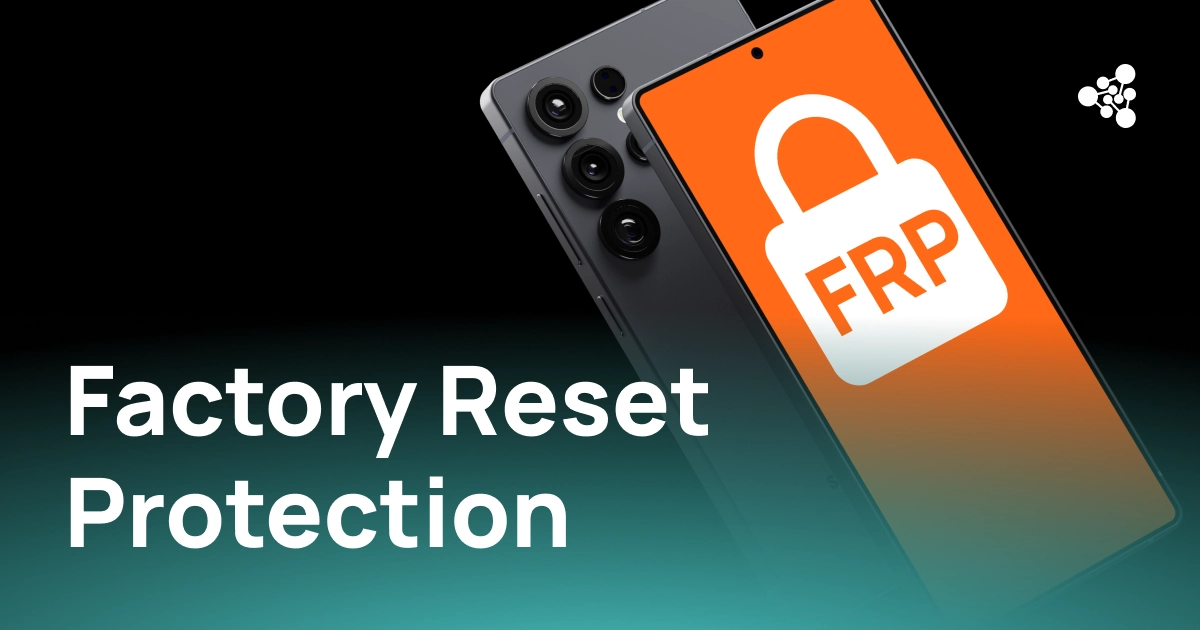
A used Android phone can look flawless — clean screen, no dents, powers on without a hitch — and still be unsellable. The most common reason is Factory Reset Protection (FRP), Google's built-in anti-theft feature that stops a reset device from being reactivated unless the original owner's Google account is verified.
FRP is a genuine security win for consumers — it makes a lost or stolen phone far less attractive to resell. But for refurbishers, wholesalers, ITAD providers, and electronics recyclers, an undetected FRP lock is an operational headache: it stalls processing, adds labor costs, and leaves otherwise good inventory stuck in limbo.
This guide covers how factory reset protection (FRP) works, why it's such a persistent issue in the secondary device market, and how businesses can spot FRP-locked devices before they cost anyone time or money.
Key Takeaways
- Factory Reset Protection (FRP) is Google's anti-theft feature, standard on Android 5.1 (Lollipop) and newer.
- FRP switches on automatically the moment a Google account and a screen lock are both set up on a device.
- A factory reset alone does not remove FRP — the Google account has to be removed first.
- An FRP-locked device requires the credentials of the previously synced Google account to complete setup.
- Some devices also require that account to have been active on the phone for at least 72 hours before a reset is allowed, otherwise the reset request is refused outright.
- Checking FRP status at intake — not after grading or listing — is what actually prevents delays and returns.
What Is Factory Reset Protection (FRP)?
Factory Reset Protection (FRP) is a security layer built into Android that prevents a lost, stolen, or improperly wiped device from being reactivated by anyone other than its rightful owner. Google introduced it with Android 5.1 and it's now standard on virtually all Android smartphones and tablets that run Google Mobile Services.
FRP isn't something a user switches on manually — it engages automatically once the device meets its activation conditions, covered below.
How Does Android Factory Reset Protection Work?
The mechanics of Android factory reset protection are simple in outline, even if the security check itself is quite rigid:
- A user signs into the device with a Google account.
- A screen lock is enabled, and FRP activates in the background.
- The device is factory reset — through settings, recovery mode, or a hardware key combination — without the account being removed beforehand.
- During the post-reset setup, Android prompts for the credentials of that previously synced account.
- Only a successful sign-in unlocks normal use of the phone.
Some devices also enforce a minimum "dwell time" for the account before it can authorize a reset — a safeguard meant to stop a thief from signing into a stolen phone with their own account and immediately wiping it to erase FRP.
For a legitimate owner who simply forgot to remove their account, recovery is painless — sign back in and the phone is theirs again. For a business buying devices in bulk from unknown sources, an FRP lock discovered mid-process is a much bigger problem, since there's often no way to contact the previous owner at all.
Why FRP Matters in the Used Phone Industry
In refurbishment and resale operations, every device on the line is expected to move smoothly through testing, grading, and certification. An FRP-locked phone breaks that flow.
|
Issue |
Business Impact |
|
Device requires the previous owner's Google account |
Processing halts until ownership can be verified |
|
Phone can't complete activation |
Diagnostic and functional testing gets delayed or blocked |
|
Locked units sit in inventory |
Turnaround times stretch out, tying up warehouse space |
|
FRP surfaces only after sale |
Returns increase, and customer trust takes a hit |
For an operation processing hundreds or thousands of units a week, even a small percentage of activation-locked phones adds up fast in wasted labor and storage. Catching them at intake keeps the pipeline efficient and stops locked units from ever reaching a listing.
Can You Perform a Factory Reset Protection Bypass?
Searches for a factory reset protection bypass spike every time someone buys a used phone that won't activate. But FRP exists specifically to block unauthorized reactivation, so the only legitimate route is for the previous owner to sign in with the Google account tied to the device — or remove that account before the phone is reset in the first place.
Enterprise-owned devices are a bit different: organizations managing fleets of Android devices can use approved mobile device management (MDM) tools to prepare hardware for reassignment, following Google's supported enrollment process rather than a manual bypass. Outside of that, attempting to force past FRP on a device you don't own risks running afoul of local laws and Google's own security policies — so any business intaking used devices should confirm ownership before processing.
How to Turn Off Factory Reset Protection on Android
Anyone preparing a phone for resale or trade-in should remove FRP the right way, well before the device changes hands. If you're wondering how to turn off factory reset protection on Android, the process is:
- Open Settings and remove every Google account currently signed into the device.
- Double-check that all accounts have actually been deleted, not just signed out.
- Perform a factory reset from the Android Settings menu (not recovery mode).
- Power the device back on and confirm setup completes without asking for a previous owner's credentials.
Doing this correctly means the next owner activates the phone without ever hitting an FRP wall — which is exactly the outcome both sellers and refurbishers want.
Common Myths About FRP
Misunderstandings about FRP are widespread, and they cause real friction in the secondary device market.
|
Myth |
Reality |
|
A factory reset removes FRP. |
FRP survives the reset if the Google account wasn't removed first. |
|
FRP and SIM lock are the same thing. |
They're separate mechanisms that restrict devices in different ways. |
|
Every factory reset triggers FRP. |
FRP only kicks in when its activation conditions — account plus screen lock — were already met. |
|
A cosmetic check is enough before resale. |
Security and activation status need to be verified alongside physical condition. |
Knowing the difference helps avoid costly mistakes when grading, pricing, or accepting used devices.
Detecting FRP Before Devices Reach the Resale Pipeline
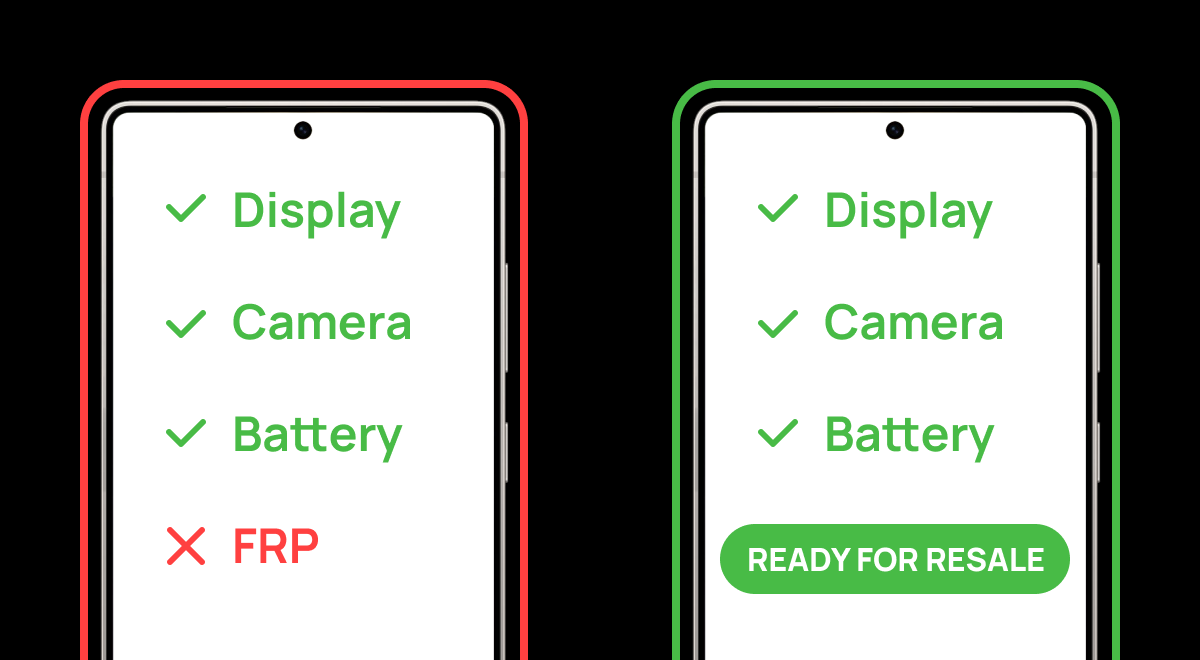
Manually checking every phone for FRP might work at low volume, but it doesn't scale. That's why most serious refurbishers build activation-lock detection directly into their standard diagnostic workflow instead of treating it as an afterthought.
NSYS Diagnostics automatically detects FRP, SIM lock, and MDM status as part of device testing. By surfacing activation restrictions alongside hardware diagnostics, teams can separate locked devices from resale-ready inventory right at intake — catching the issue before grading or listing, rather than after.
Frequently Asked Questions
What does FRP mean on Android?
FRP stands for Factory Reset Protection, Google's security feature that stops unauthorized users from activating an Android device after a factory reset.
Does a factory reset remove Factory Reset Protection?
No. If the Google account wasn't removed before the reset, FRP stays active and the device will ask for the previous owner's credentials during setup.
Can Factory Reset Protection be removed without the original Google account?
On consumer devices, the legitimate method is verifying ownership through the previously linked Google account. Enterprise-managed devices can go through approved MDM procedures instead.
Is Factory Reset Protection available on every Android phone?
Most devices running Android 5.1 or later with Google Mobile Services support it, which covers the large majority of Android phones and tablets in circulation today.
Why should refurbishers check FRP before resale?
Catching FRP early prevents processing delays, cuts down on returns, and ensures only activation-ready devices make it into resale inventory.
Can NSYS Diagnostics detect FRP?
Yes. NSYS Diagnostics automatically identifies Factory Reset Protection status, alongside SIM lock and MDM, during device testing — giving businesses clear visibility before refurbishment and resale.