Buying a used phone means trusting that it isn't blocked, blacklisted, or tied to someone else's unpaid bill. The only way to know for sure is to check the device's ESN or IMEI before money changes hands.
1. What Is an ESN Number?
An ESN (Electronic Serial Number) is a unique identifier that carriers historically used to recognize devices on CDMA networks. It let a network confirm which phone was trying to connect and whether that phone was in good standing — active, paid off, and not reported lost or stolen.
CDMA networks have largely been phased out, so ESNs themselves are mostly a thing of the past. But the term stuck: in the U.S., "ESN check" is still commonly used to mean checking a phone's history, even when the identifier involved is technically an IMEI.
2. ESN vs. IMEI: What Is the Difference?
An IMEI (International Mobile Equipment Identity) is the modern equivalent of an ESN, used on GSM and LTE networks — which is to say, on virtually every smartphone sold today. Both identifiers serve the same purpose: they let a carrier uniquely recognize a device and track its status.
The practical difference is mostly historical. ESN belonged to CDMA-era phones (older Verizon, Sprint, and US Cellular devices); IMEI is what every current phone uses. When someone today asks for an "ESN check," what they almost always need is an IMEI check — the two terms have effectively merged in everyday use.
3. What Does a Clean ESN Mean?
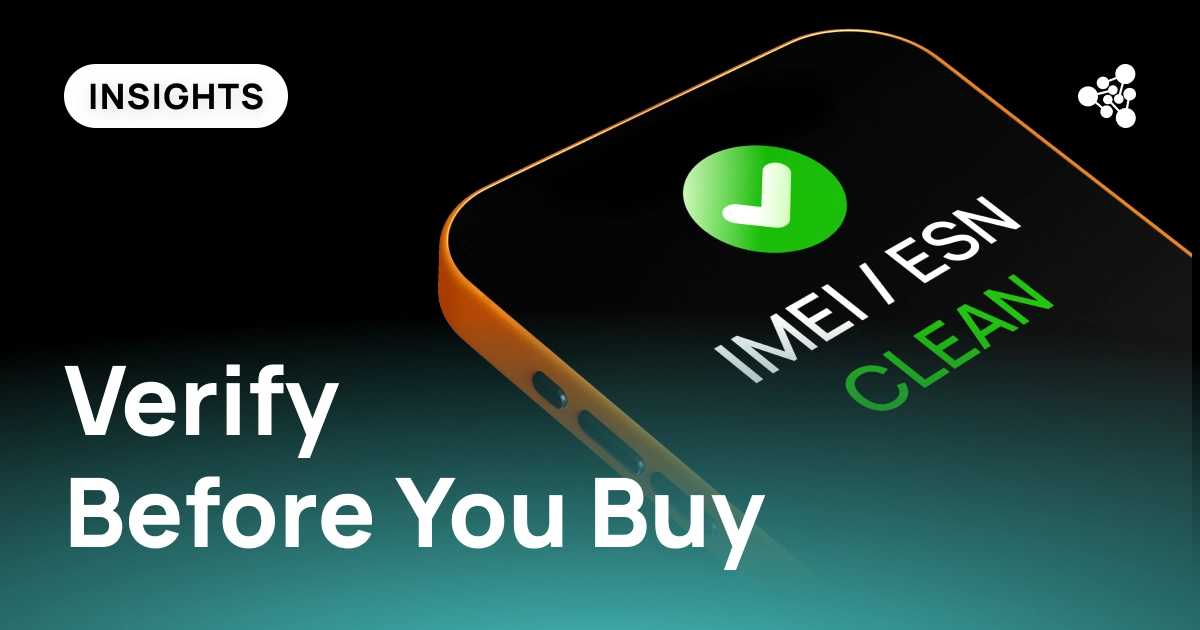
A clean ESN (or clean IMEI) means the device has passed carrier verification with no red flags attached. Specifically, it hasn't been reported lost or stolen, isn't blacklisted, isn't tied to an unpaid balance, and is eligible for activation.
A clean result only confirms the device's status with the network — it says nothing about whether the phone actually works. A phone can have a perfectly clean IMEI and still have a cracked screen, a failing battery, or a broken camera. That's why a clean check should be treated as one part of a purchase decision, not the whole of it.
4. What Does an ESN or IMEI Check Reveal?
Running a check against a phone's ESN or IMEI can surface several things:
- Lost or stolen status — whether the device has been reported to police or the carrier as missing.
- Blacklist status — whether a carrier has blocked the device from activating on its network, often as a result of theft, fraud, or an unresolved insurance claim.
- Carrier compatibility — whether the phone is unlocked or tied to a specific carrier, and whether it will work on the network you intend to use.
- Activation or financing restrictions — whether there's an outstanding balance from an installment plan that would prevent the device from being reactivated elsewhere.
Any one of these can turn what looks like a good deal into a phone that can't be used at all.
5. Why Buyers Check the ESN or IMEI
For an individual buyer, skipping this check risks ending up with an expensive paperweight. For a business — a refurbisher, wholesaler, retailer, or trade-in program — the stakes are higher. Selling even a small number of blacklisted or misrepresented devices doesn't just cost a refund; it damages the trust a business has spent years building. In an industry where reputation moves faster between buyers, marketplaces, and partners than any single transaction, one bad device sold is often remembered longer than a hundred good ones.
That's part of why device verification has become a standard step for serious buyers and sellers, rather than an optional extra.
6. How to Find the ESN or IMEI Number
You can find a phone's IMEI (or, on older CDMA devices, its ESN) in a few places:
- Dial *#06# — the number will appear on screen instantly.
- Check the phone's settings, usually under About Phone or General.
- Look at the original box or packaging, which typically lists it on a sticker.
- On iPhones, it's also listed under Settings > General > About.
7. How to Run a Clean ESN Check
Once you have the number, you can check its status through:
- The carrier's own verification tool (most major U.S. carriers offer one).
- A trusted third-party IMEI/ESN checking service.
- For businesses processing multiple devices, an automated verification platform that checks in bulk rather than one number at a time.
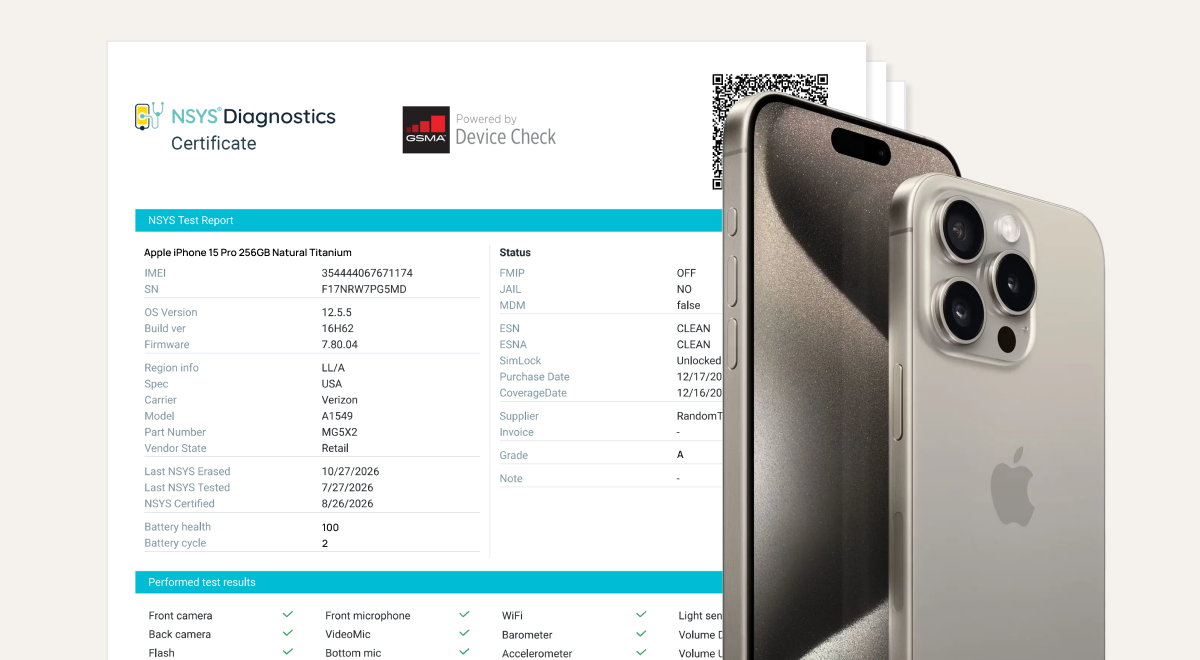
The result will confirm whether the device is eligible for activation or flagged for any of the issues listed above.
8. How to Check If an IMEI Is Clean
The process is effectively identical to an ESN check — locate the IMEI using the methods above, then run it through a carrier tool or verification service. Since nearly every phone sold today uses an IMEI rather than an ESN, this is, in practice, the check most buyers are actually running.
9. Can a Phone Have a Clean IMEI but Still Be Locked?
Yes — and this is one of the most common points of confusion. A clean IMEI means the phone isn't blacklisted, lost, or stolen. It doesn't mean the phone is unlocked. Carrier locking is a separate status: a phone can be perfectly clean and still restricted to one carrier's network, requiring an unlock request before it will work with a SIM from another provider. Always check carrier lock status separately from blacklist status.
10. What to Do If the ESN or IMEI Is Blacklisted
A blacklist flag isn't always permanent. It can mean the device was genuinely reported stolen — in which case it should not be purchased — or it can reflect a temporary status, such as an active insurance claim or a billing dispute that hasn't yet been resolved. If you find a blacklist flag:
- Don't proceed with the purchase until the status is clarified.
- Ask the seller directly about the flag and request documentation if they claim it's resolved.
- Recheck the number after some time if the seller says the issue is being cleared.
- When in doubt, walk away — a blacklisted device is a liability, not a bargain.
11. Used Phone Buyer's Checklist
Before buying a used phone, confirm:
- The ESN/IMEI is clean (not blacklisted, lost, or stolen).
- There's no outstanding financing balance attached.
- The phone is compatible with, or unlocked from, your carrier.
- The physical hardware has been tested, not just the network status.
- The seller can provide the device's history or verification results.
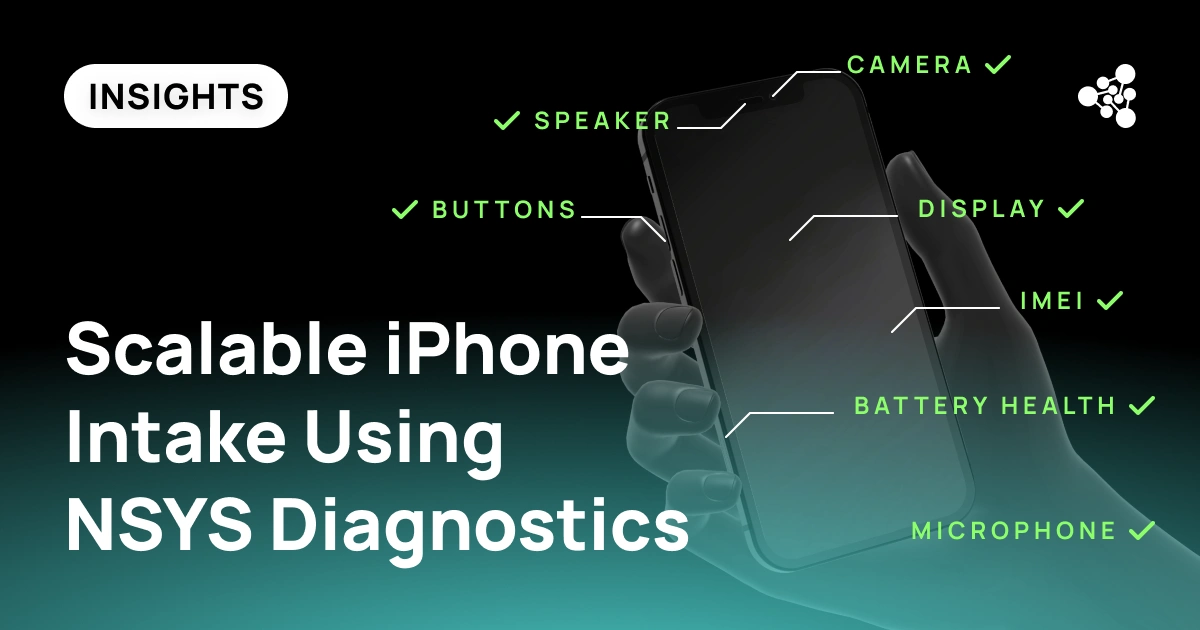
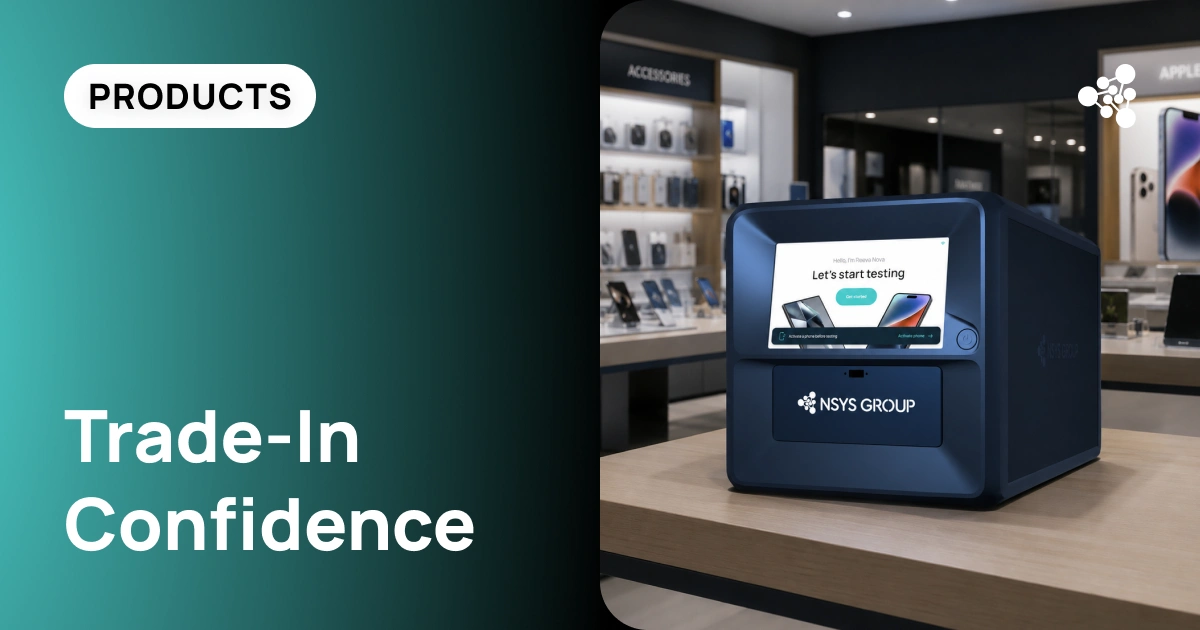
For individual buyers, running through this list manually is manageable. For businesses handling dozens or hundreds of devices a day, it's a different challenge — which is where automated tools like NSYS Diagnostics come in. NSYS runs ESN/IMEI verification automatically as part of intake, alongside more than 60 hardware tests, so every device gets the same consistent check before it's bought or resold — protecting not just the transaction, but the business's reputation behind it.
12. Frequently Asked Questions
What is an ESN?
An ESN (Electronic Serial Number) is an identifier historically used to recognize devices on CDMA networks. It's largely been replaced by the IMEI, though the term "ESN check" is still commonly used.
What is a clean ESN?
A clean ESN means the device isn't blacklisted, reported lost or stolen, or tied to an unpaid balance, and is eligible for activation.
How do I check if an IMEI is clean?
Locate the IMEI (dial *#06# or check the phone's settings) and run it through your carrier's verification tool or a trusted third-party checking service.
Is an ESN the same as an IMEI?
Not exactly — they're identifiers used on different network technologies (CDMA vs. GSM/LTE) — but they serve the same purpose, and today "ESN check" almost always refers to an IMEI lookup.
Can a clean IMEI phone still be carrier-locked?
Yes. A clean IMEI only confirms the device isn't blacklisted or stolen — it says nothing about whether the phone is locked to a specific carrier, which needs to be checked separately.
Want every device your business buys or sells to be fully verified — network status and hardware condition alike? Book a demo of NSYS Diagnostics and see ESN/IMEI checks and 60+ hardware tests run in one workflow.