NSYS Diagnostics Update: Android 16+ Ready to Test in Under 30 Seconds
November 25, 2026 | Product Updates
Last month, we focused on MacBook testing and reporting. This time, we’re turning to Android, and to the step that comes before diagnostics even begin.
Before the first test can run, each device goes through the same routine: activate it, install the app, dig through the settings to turn on USB Debugging. It’s simple work, but it’s repeated on every single device, which creates bottlenecks at scale.
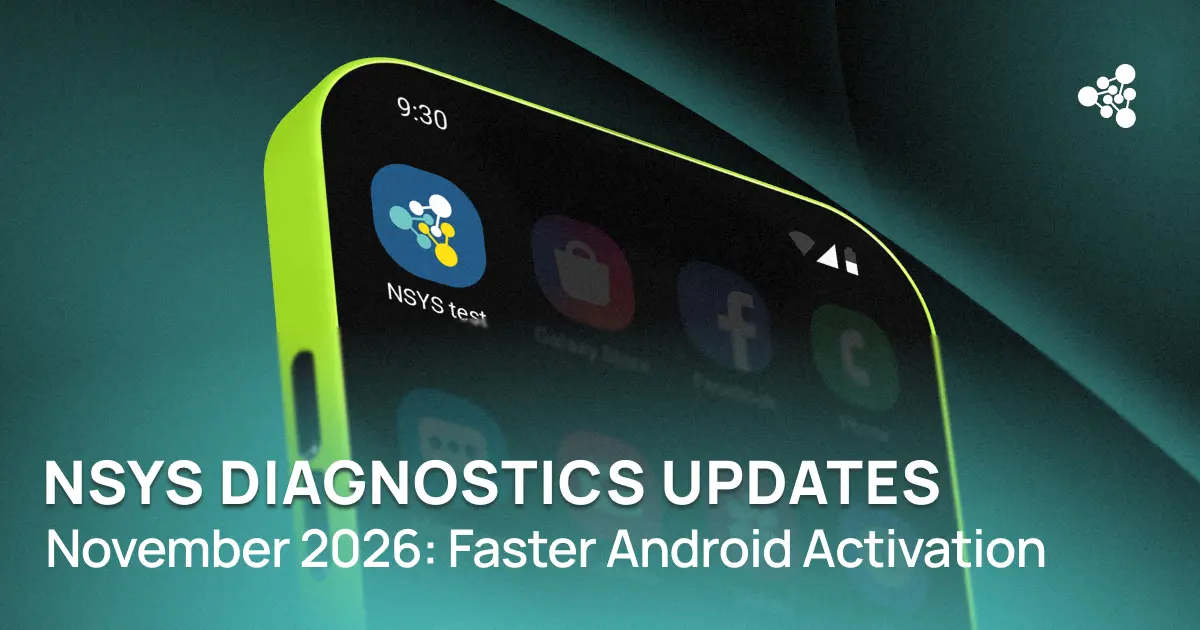
With our latest update, that routine has finally been automated. Quick USB Activation prepares compatible Android 16+ devices over USB in less than 30 seconds, so operators can go straight from connecting a device to testing it. But don't get overexcited yet, as there are many more landmark updates to show you.
TL;DR
- Quick USB Activation for Android 16+: full device preparation over USB in under 30 seconds
- Print Service 2.0: faster, more stable label printing
- Wipe only passed devices: a new Workflow step that erases data only on devices that passed every test
- Fake device detection: processor model verification added
- Battery cycle color indicators: your own thresholds, your own colors
- Stylus test: S Pen checks in Touch, Hover and Button modes
- Camera Control Button: three new tests, with no device settings needed
- Individual test re-runs: repeat one test without restarting the whole diagnostic
- Mobile Apps page: QR codes, plus Google Play and direct APK downloads for Android
- iOS 13 minimum: NSYS Diagnostics now requires iOS 13 or later
Quick USB Activation: Android 16+ Ready in Under 30 Seconds
Once a compatible Android 16+ device is connected, NSYS Diagnostics takes care of the preparation on its own:
- activates the device
- installs the NSYS Diagnostics app
- enables USB Debugging
No settings menus and no manual taps. On top of saving time, every device now reaches diagnostics in the same state, whoever connected it.
Faster, More Reliable Label Printing with Print Service 2.0
Print Service 2.0 is a full upgrade to how labels are printed. Print jobs are submitted faster and more reliably; the printing process is streamlined, and operators spend less time waiting on printers and more time processing devices.
Smarter Workflows: Wipe Only What Passes
The new Wipe only passed devices step in Workflow settings adds a simple rule to your process: data erasure runs automatically, but only on devices that have passed all diagnostic tests. Devices with failed results are excluded, so you can review, repair, or retest them before deciding what happens next.
Sharper Authenticity and Condition Checks
Stronger fake device detection. NSYS Diagnostics now verifies the processor model of every connected device. It’s one more check against counterfeit devices, and one that’s hard to fake.
Battery health at a glance. You can now set your own thresholds for battery charge cycles and assign a color to each range. Devices with worn batteries stand out instantly, using the limits that matter to your business.
New and Improved Diagnostic Tests
Stylus test for S Pen devices. The new Stylus test checks S Pen functionality across the entire screen in three modes:
- Touch Mode: the pen in contact with the screen
- Hover Mode: the pen hovering just above the screen
- Button: the S Pen’s side button
The Camera Control Button now also has three separate tests: Click, Light Press, and Swipe. Presses are also detected without anyone having to enable the feature in the device settings first, which saves a setup step on every device.
Re-run a single test. In NSYS Diagnostics for iOS and Android, you can now re-run an individual test without restarting the whole diagnostic process. Only that test’s result is updated. All other results stay as they were.
App Downloads and Compatibility
Easier app downloads. The Mobile Apps page now has QR codes for downloading the latest NSYS Diagnostics for iOS and Android. Android users can choose between Google Play and a direct APK download. The existing iOS 1.0 and Android 1.0 options remain available.
iOS 13 is now the minimum. To meet Apple App Store requirements, NSYS Diagnostics now supports iOS 13 and later. Our apologies to iPhone 6 users, but iOS 12 is no longer supported.
Keep Your Diagnostics Workflow Up to Date
Every update makes device processing faster and more consistent, and there’s more on the way. Want to see Quick USB Activation in action? Book a Demo right now, or meet us irl at upcoming events this December.