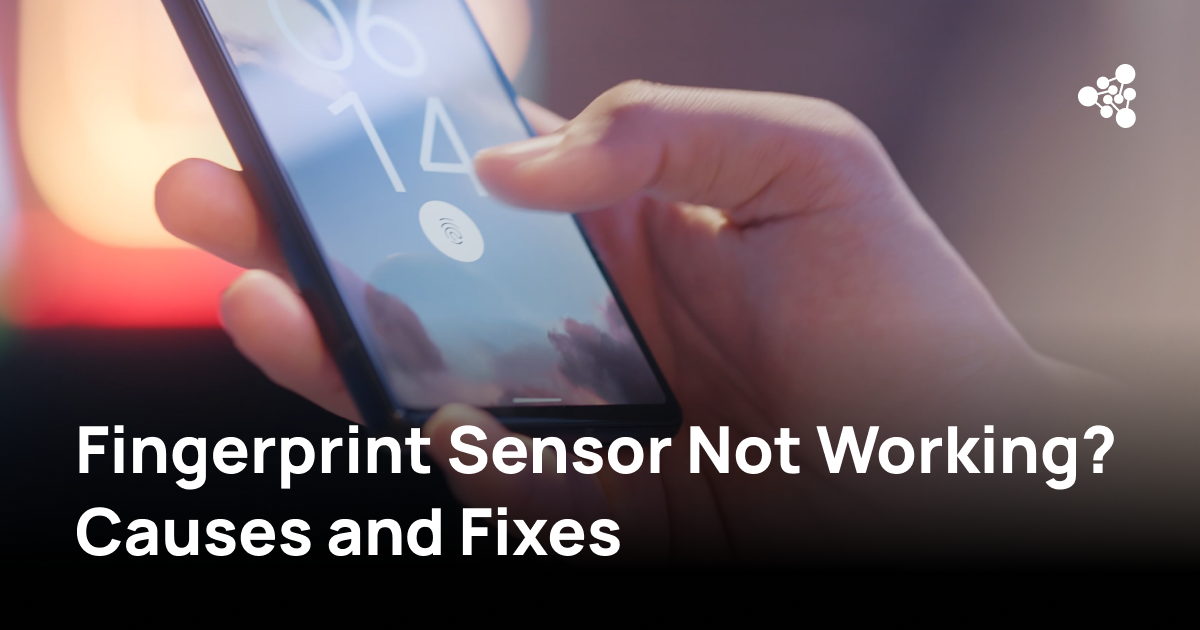
A fingerprint sensor that stops recognizing your finger can make unlocking your phone frustrating. Sometimes the problem is caused by dirt, moisture, or a screen protector. Other times, software errors or damaged hardware are responsible.
Quick Answer
If your fingerprint sensor is not working, clean the sensor and your fingers, restart your phone, and check your fingerprint settings. Try registering your fingerprint again and installing available software updates. If the sensor remains unresponsive, especially after a drop or repair, professional diagnostics may be necessary.
Why Is My Fingerprint Sensor Not Working?
Fingerprint sensors read the unique patterns on your fingertip to verify your identity. Smartphones use capacitive, optical, or ultrasonic sensors, and each technology can experience different recognition problems.
The most common causes include:
- Dirt or moisture: Oil, dust, or wet fingers can interfere with fingerprint readings.
- Dry or damaged skin: Cracked fingertips or changes in skin condition may reduce recognition accuracy.
- Screen protector interference: Thick or incompatible protectors can affect in-display fingerprint sensors.
- Software issues: Operating system bugs or corrupted fingerprint enrollment data can prevent authentication.
- Hardware damage: Drops, liquid exposure, and previous repairs may damage the sensor or its connections.
If fingerprint recognition stopped working immediately after a screen replacement, the problem may involve incompatible components or missing calibration.
How to Fix a Fingerprint Sensor That Is Not Working
Try these steps before considering hardware repair.
1. Clean the Sensor and Your Fingers
Use a soft, lint-free cloth to remove dirt or oil from the sensor. Wash and dry your hands before trying again.
For phones with an in-display fingerprint reader, clean the relevant area of the screen and check whether the screen protector is damaged or incompatible.
2. Restart Your Phone
A restart can resolve temporary software problems affecting biometric authentication.
After restarting, unlock the device with your PIN or password first. Many smartphones require this as a security measure before fingerprint unlocking becomes available again.
3. Check Fingerprint Settings
On Android, look for fingerprint options under Settings, usually within Security, Biometrics, or a similarly named menu. The exact location depends on the manufacturer and Android version.
On supported iPhones, go to Settings → Touch ID & Passcode.
Confirm that fingerprint unlocking is enabled and that at least one fingerprint is registered.
4. Remove and Re-Register Your Fingerprint
If the sensor responds but frequently rejects your fingerprint:
-
Open your phone's fingerprint settings.
-
Delete the fingerprint that fails repeatedly.
-
Select the option to add a new fingerprint.
-
Follow the instructions, scanning different parts of your fingertip.
-
Lock your phone and test fingerprint recognition several times.
If the phone cannot detect your finger during enrollment, the issue may involve the sensor itself or the software controlling it.
5. Install Software Updates
Check for available system updates.
On Android, find the software update option in Settings. On iPhone, go to Settings → General → Software Update.
Updates may correct software-related biometric problems. Back up important data before making significant system changes.
Fingerprint Sensor Not Working on Samsung
Samsung Galaxy smartphones may use side-mounted or in-display fingerprint sensors, depending on the model.
If your Samsung fingerprint sensor is not responding, check the biometric settings, remove any incompatible screen protector, and try registering your fingerprint again.
On many Galaxy devices, fingerprint settings are located under Settings → Security and privacy → Biometrics → Fingerprints. Menu names may vary.
You can also open Samsung Members and look for available diagnostic tests. Fingerprint testing options depend on the device model and software version.
If the problem started after a screen replacement, professional inspection may be needed.
Touch ID Not Working on iPhone
Touch ID is Apple's fingerprint authentication technology, available on supported iPhone models with a Home button.
If Touch ID stops working:
-
Clean and dry the Home button and your finger.
-
Check Settings → Touch ID & Passcode.
-
Remove and register your fingerprint again.
-
Install available iOS updates.
Touch ID uses security-linked hardware. If the Home button has been replaced or damaged, replacing the button alone may not restore fingerprint authentication. An authorized repair assessment may be necessary.
How to Test Whether Your Fingerprint Sensor Is Working
A sensor that successfully unlocks your phone once may still have intermittent recognition problems.
To check its reliability, register a new fingerprint and then lock and unlock the phone several times. Try another registered finger to determine whether the problem affects one fingerprint or the entire sensor.
Watch for warning signs such as fingerprint enrollment failures, sensor unavailable messages, or no response when touching the reader.
Some manufacturers provide built-in diagnostic tools. These can help identify functional problems, although an error message does not always reveal which component is defective.
Why Fingerprint Testing Matters for Used Smartphones
A fingerprint sensor defect can affect a used phone's functionality even when the rest of the device appears to work normally.
For refurbishers, wholesalers, and businesses processing used smartphones, checking biometric functionality is part of assessing device condition before resale.
NSYS Group develops professional diagnostic solutions for businesses working with used mobile devices. NSYS Diagnostics supports structured device testing and reporting, helping businesses identify functional defects and document device condition. Availability of fingerprint-specific testing should be confirmed for the relevant device model and software configuration.
When Does a Fingerprint Sensor Need Repair?
If cleaning, re-registering fingerprints, and software troubleshooting do not resolve the issue, hardware inspection may be necessary.
Possible problems include a damaged sensor module, loose connections, liquid damage, or incompatible replacement components.
A factory reset may resolve certain software issues, but it cannot repair physical damage. Because a reset removes personal data, consider it only after other troubleshooting options and back up your information first.
Before replacing a fingerprint sensor, check the repair requirements for your specific phone model. Some biometric components require manufacturer-specific procedures or calibration.
Frequently Asked Questions
Why does my fingerprint sensor work sometimes but not others?
Intermittent recognition problems may result from moisture, dry skin, finger placement, dirt, or sensor damage. Try cleaning the sensor and registering your fingerprint again.
Can a screen protector stop fingerprint recognition?
Yes. Thick, damaged, or incompatible screen protectors can interfere with optical and ultrasonic in-display fingerprint readers. Use a protector compatible with your phone model.
Can a software update cause fingerprint sensor problems?
Software bugs or compatibility issues can affect fingerprint authentication. However, a problem appearing after an update does not necessarily mean the update caused it. Check for subsequent fixes and test fingerprint enrollment before considering repair.