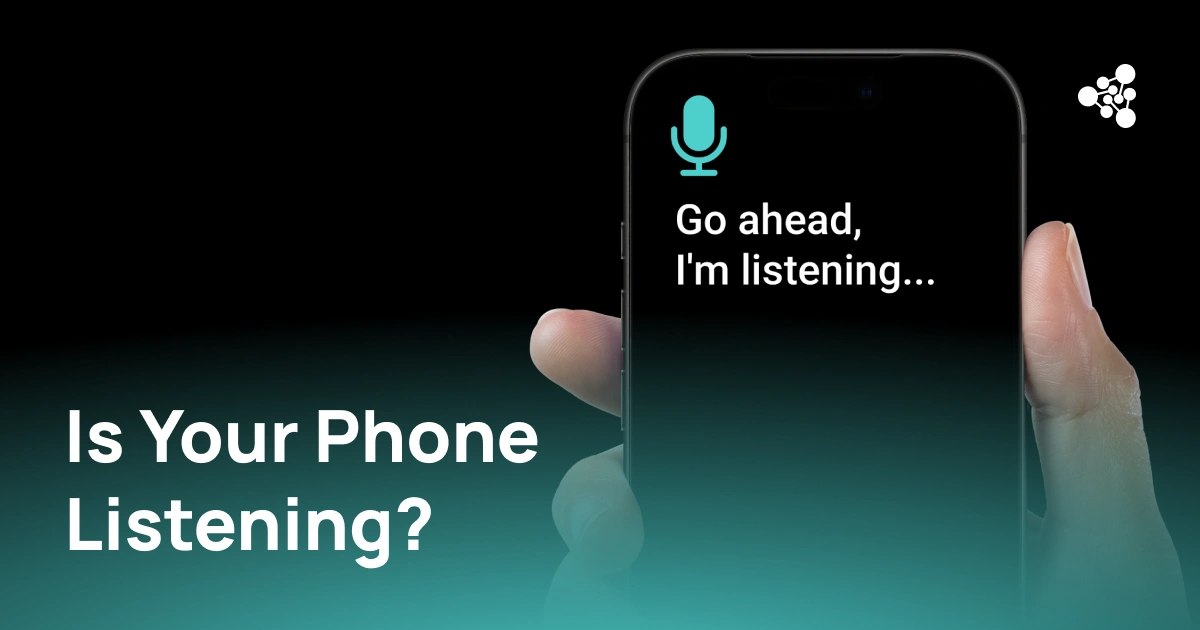
You mention a product in a conversation, and a few hours later an ad for it appears on your phone. Coincidence? Targeted advertising? Or is your phone actually listening to you?
The answer is more nuanced than the usual yes-or-no explanation. Your phone can access its microphone, but that does not mean every conversation is being recorded and analyzed for advertising.
Key Takeaways
- Apps can access your microphone when you grant them permission.
- Voice assistants may process audio locally to detect wake words.
- Highly relevant ads can be built from many signals that have nothing to do with your microphone.
- Recent FTC action also shows why claims about “active listening” advertising should be treated carefully.
- iPhone and Android provide tools to see when apps use the microphone and manage access.
Does Your Phone Listen to You?
So, does your phone listen to you? Sometimes, yes — but context matters.
A phone can use its microphone for calls, video recording, voice messages, voice search and other features. Apps generally need permission to access it, and modern operating systems provide indicators when the microphone is in use.
On iPhone, an orange indicator appears when an app is using the microphone. On Android 12 and later, a green indicator shows when an app is accessing the microphone or camera. Android also provides a Privacy Dashboard where users can review recent permission access.
That means is my phone listening to me is the wrong question to ask first. A better one is: which app is using my microphone, and why?
Why It Can Feel Like Your Phone Is Listening
The suspicion usually starts with advertising.
You talk about hiking boots and later see an ad for hiking gear. It feels too specific to be random. But advertising platforms can infer interests from a surprisingly large amount of non-audio data: searches, websites, apps, purchases, location and previous interactions with ads.
These signals can also overlap. If you search for hiking trails, visit an outdoor retailer and spend time in a location associated with hiking, an advertising system may have enough information to predict that hiking products interest you.
There is a useful recent example. In August 2026, the U.S. Federal Trade Commission finalized orders against Cox Media Group and two other companies over claims that their “Active Listening” service used conversations from smart devices to target advertising. According to the FTC, the service did not actually listen to conversations or use voice data. The companies were instead using email lists obtained from data brokers.
The case does not prove that microphones are never used for advertising. It shows something more important: an ad that feels suspiciously relevant is not evidence by itself that your phone heard the conversation.
How Voice Assistants and Wake Words Work
There is one important reason your phone may be processing audio even when you are not actively recording anything.
Voice assistants need to recognize activation phrases such as “Hey Siri” or “Hey Google.” This requires the device to monitor audio for the wake word. That does not mean every word is automatically sent to a remote server.
The distinction is between listening for a trigger and recording a conversation. A device can process audio locally to determine whether the activation phrase has been spoken, then activate the assistant when the trigger is detected.
Accidental activations can happen, too. A sound or phrase can sometimes be interpreted as a wake word. This is one reason a phone may appear to respond when nobody deliberately activated the assistant.
When Can Apps Access Your Microphone?
Microphone access is controlled through the operating system's permission system.
A video app may need it to record sound. A messaging app may need it for voice messages or calls. A game may request it for voice chat. A shopping app, however, may have little reason to need microphone access.
On iPhone, you can see which apps have requested microphone access under Settings > Privacy & Security > Microphone. iOS also provides the orange microphone indicator.
On Android, the Privacy Dashboard shows which apps have accessed permissions such as the microphone and when that happened. Android also provides system-level microphone controls and visual indicators.
Are Personalized Ads Proof That Your Phone Is Listening?
No. Do phones listen to you for advertising? An ad appearing after a conversation cannot establish that the microphone caused it.
Modern ad targeting can combine many types of behavioral information. For example:
- Search and browsing activity can reveal what you are researching.
- Location data can indicate where you spend time.
- App activity can reveal interests and shopping behavior.
- Purchases and product views provide direct signals about what you may want.
- Advertising and data platforms can combine information from different sources, subject to their policies and applicable consent requirements.
This is enough to create surprisingly accurate predictions without analyzing the microphone.
How to Check Which Apps Have Microphone Access
If you are wondering, does my phone listen to me, start with the permissions rather than the ads.
On iPhone, open Settings > Privacy & Security > Microphone and review the list of apps with access.
On Android, open Settings > Privacy > Privacy Dashboard > Microphone on supported versions. You can see which apps accessed the permission and manage their access.
If an unfamiliar app has microphone access, check why it needs it. If the reason is unclear, removing the permission is a reasonable choice.
How to Improve Privacy on Your Phone
You do not need to disable every privacy-related feature to reduce unnecessary data access.
Instead, review permissions periodically and remove access that an app does not genuinely need. Pay particular attention to the microphone, camera, location, contacts and photos.
It is also worth reviewing advertising and voice-assistant settings. Privacy controls are useful because they let you decide which apps can access sensitive device functions instead of relying on assumptions about what your phone might be doing.
The bigger lesson is simple: your phone is capable of listening, but that does not mean it is secretly recording everything you say. Understanding permissions, indicators and advertising signals gives you a much clearer picture of what is actually happening behind the scenes.
Frequently Asked Questions
Is my phone listening to me all the time?
Not in the sense that all conversations are continuously recorded and sent to a remote service. Voice assistants can process audio while waiting for a wake word, while individual apps can access the microphone when permitted.
Do phones listen to you for advertising?
An advertisement appearing after a conversation is not proof that microphone data was used. Advertising systems can use searches, browsing, location, app activity and other behavioral signals.
Can apps use my microphone without permission?
Modern iOS and Android permission systems are designed to control microphone access. Both platforms also provide indicators or privacy tools that help users identify microphone activity.
Why do I see ads about things I talked about?
Your conversation may simply coincide with other signals already available to an advertising system. The more relevant those signals are, the more accurately the system can predict your interests.
How can I tell if an app is using my microphone?
On iPhone, look for the orange microphone indicator. On Android 12 and later, a green indicator appears when the microphone or camera is being accessed.
Should I turn off microphone access for apps?
If an app does not need the microphone for a feature you use, disabling access is a sensible privacy step. You can always enable it again when necessary.