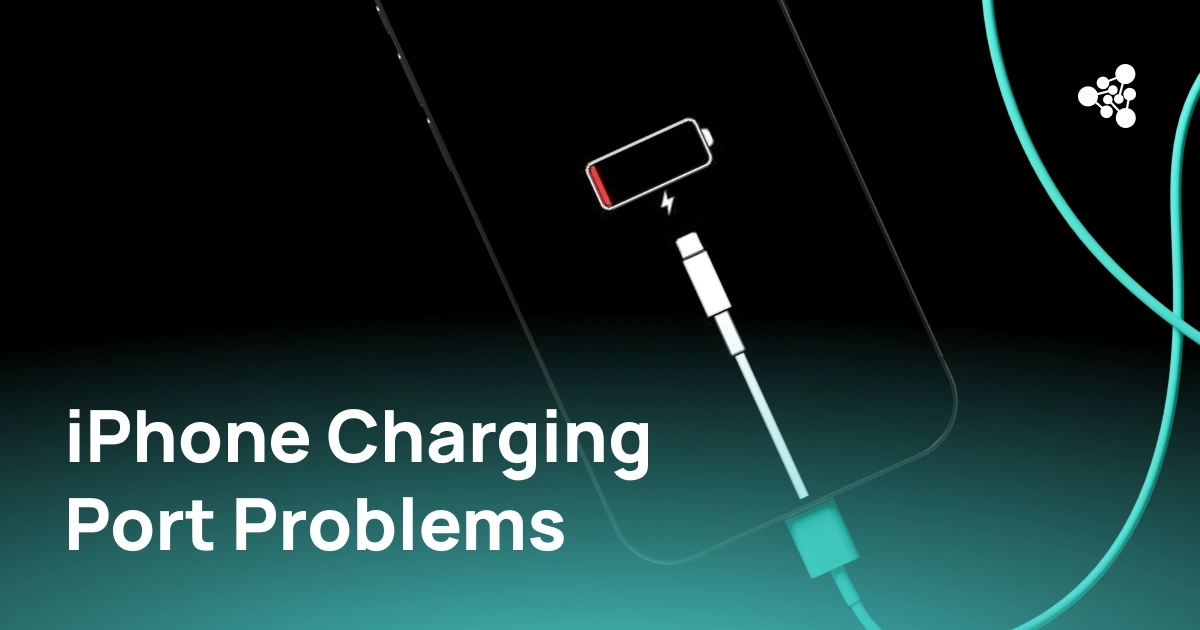
If your iPhone charges slowly, only at certain angles, or not at all, the charging port is one of the most common culprits — but not the only one. Before assuming the port is broken, it helps to understand what actually causes these failures and how to tell a port problem apart from a bad cable.
Key Takeaways
- Most charging issues come from debris, worn contacts, moisture, or a faulty cable/adapter.
- A loose port usually causes an unstable connection rather than a sudden total failure.
- Testing with a cable and adapter you know work on another device is the fastest way to isolate the cause.
- Moving the cable during a charge reveals loose-contact issues that a simple "does it charge" check won't catch.
Why Is My iPhone Charging Port Not Working?
Start with the basics: try a different cable, adapter, and outlet. If charging still doesn't work, look inside the port for lint, debris, or signs of moisture. If the phone charges but stops the moment the cable moves, the internal contacts are likely worn or damaged rather than simply dirty.
1. Two Types of Charging Failure
It helps to separate two situations. In the first, the iPhone doesn't recognize the charger at all — nothing happens no matter how the cable sits. In the second, charging starts normally but cuts out intermittently, often when the phone or cable is nudged. Complete failure usually traces back to a faulty accessory, a blocked port, or moisture. Intermittent charging more often points to something physical happening inside the port itself — worn contacts that can no longer hold a steady connection.
2. Common Causes
- Debris: Pocket lint and dust build up inside the port over time, preventing the connector pins from making full contact or the cable from seating properly.
- Worn or bent contacts: Years of plugging and unplugging, or a single hard impact, can bend the tiny pins inside the port. This tends to show up first as flaky charging, not immediate failure.
- A bad cable or adapter: Cheap or damaged cables fail constantly, and it's easy to blame the phone for what's actually a $10 accessory problem. Always rule this out first.
- Moisture or corrosion: Even brief liquid exposure can corrode the contacts. If you suspect moisture, let the port dry out fully before charging again — forcing a cable in can make the corrosion worse.
3. Signs of a Loose Charging Port
A loose port rarely fails outright — it just gets unreliable. Watch for:
- the cable falls out with barely any movement
- charging starts and stops as you shift the connector
- the cable feels wobblier than it used to
- the phone only charges when you hold the cable at a specific angle
If this happens with more than one cable, the port itself is the likely cause, not the accessory.
4. How to Test the Port
Plug in a cable and adapter you know work fine on another phone, and see if charging starts at all. Then, while it's charging, gently wiggle the cable — a healthy port should hold the connection steady. If it drops out, that's a sign of a loose or worn contact rather than a simple blockage. Try a second known-good cable too: if one fails and another works fine, the first cable was the problem all along; if both behave the same way, the fault sits in the port.
5. Fixing the Problem
If testing points to the port, take a close look inside it with good lighting — check for visible lint, bent pins, or corrosion. Resist the urge to force the cable in or prop it at an angle just to keep the charge going; that only stresses contacts that are already weak. Loose debris can often be cleared out carefully (a wooden toothpick or a can of compressed air works better than metal tools, which risk shorting the pins). But bent or corroded contacts aren't a DIY fix — that calls for a technician, since forcing it yourself can turn a repairable port into a port that needs full replacement.
6. Preventing Port Damage
Small habits go a long way: don't force a cable in if it doesn't slide easily, swap out cables once they start fraying, and keep pockets and bags reasonably lint-free. If you notice charging becoming intermittent, deal with it early — continuing to charge at an angle "because it still works" tends to accelerate the wear on the contacts until they fail completely.
FAQ
Can a loose charging port stop an iPhone from charging entirely?
Yes. Once the contacts can no longer hold a steady connection, charging can become sporadic or stop working altogether, even if the phone technically still "can" charge under perfect conditions.
Can a charging port be repaired?
Often, yes. Debris is usually a simple cleaning job. Bent or corroded contacts typically need a professional repair, since the fix involves replacing tiny internal components rather than clearing a blockage.